


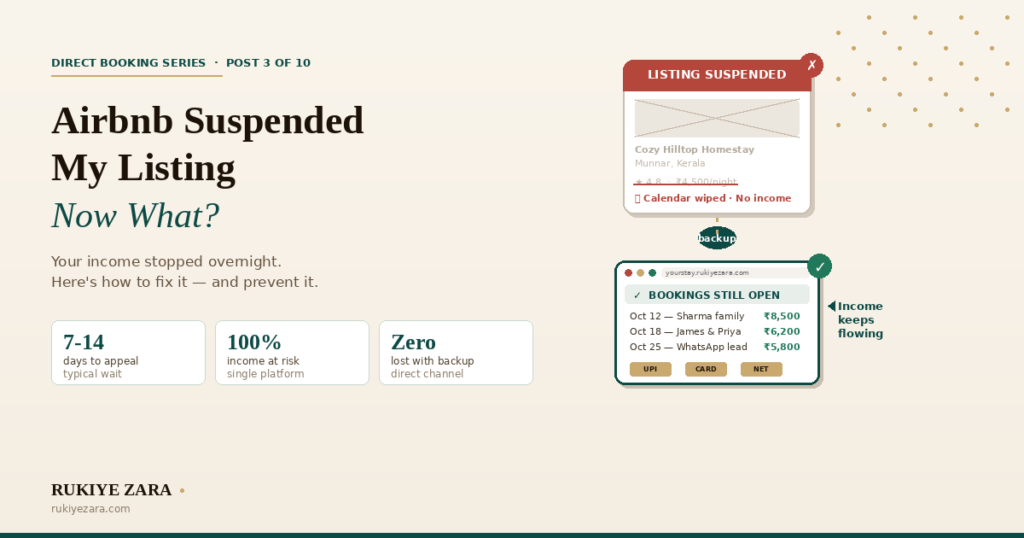
You open the Airbnb app. Where your listing used to be, there’s a message: “Your listing has been suspended.” No warning. No grace period. Just — gone.
Your calendar is wiped. Upcoming reservations are cancelled. Guests are getting refunds and finding other places to stay. And you’re staring at your phone wondering what just happened to your income.
If you’re reading this, it’s probably happening to you right now. Let’s fix it — and then let’s make sure it can never break your business like this again.
Why Airbnb suspends listings
Airbnb doesn’t suspend listings randomly. There’s usually a specific trigger — though they don’t always tell you which one. Here are the most common reasons Indian hosts get suspended:
Too many cancellations
Cancel more than 1% of confirmed bookings in a rolling year, and Airbnb’s system flags you. Even one poorly timed cancellation during peak season can tip you over.
Rating dropped below threshold
Airbnb expects an overall rating of 4.0+. Drop below that consistently, and the listing gets suppressed first, then suspended. Cleanliness and accuracy scores matter most.
Policy violation detected
Off-platform payment requests, misleading photos, undisclosed fees, or sharing contact information in the first message. Their automated system catches more than you’d think.
Serious guest complaint
A guest reports safety issues, discrimination, misrepresentation, or a significantly different experience than advertised. One severe report can trigger immediate suspension.
Missing or expired documents
In some Indian states, Airbnb requires specific registration or tax documents. If yours expire or were never uploaded, the listing gets suspended until you re-submit them.
Duplicate or fake accounts
Opening a second account while your first is under review is an instant permanent ban. Even if you think the first suspension was unfair, do not create a new account.
Step-by-step: how to get your listing reinstated
First, take a breath. Most suspensions are reversible. Here’s the process:
- Do not create a second Airbnb account. This converts a temporary suspension into a permanent ban. Airbnb detects duplicate accounts through phone numbers, email addresses, IP addresses, and bank account details.
- Do not ask friends or family to list your property on their account. Same detection methods apply. If caught, both accounts get banned.
- Do not manipulate reviews — offering refunds in exchange for removing negative reviews violates Airbnb’s review policy and can lead to additional violations.
While you wait: what to do with your business
Here’s the hard part. Your Airbnb listing is down. You might have upcoming guests who just got cancelled. Your income just stopped. What do you do right now?
Reach out to displaced guests
If Airbnb cancelled upcoming bookings, those guests are now looking for alternatives. If you have their contact details from previous communication, reach out professionally: “I’m sorry about the disruption. I’m resolving the issue with Airbnb. In the meantime, you can book directly through my website at [your booking link] — I’ll match the Airbnb rate.”
This isn’t just damage control — it’s the beginning of a direct booking relationship. These guests already chose your property. They still want to stay with you. Give them a way to do that.
Activate other booking channels
If you’re listed on Booking.com, MakeMyTrip, or other OTAs, make sure those listings are active and calendars are updated. If you’re only on Airbnb — this is the problem we’re solving in the next section.
Push your direct booking website
If you have a direct booking website, now is when it pays for itself. Update your Instagram bio link, WhatsApp status, and Google Business Profile to point to your website. Let your network know bookings are open on your own site.
If you don’t have one yet — you’re experiencing exactly why you need one.
The real lesson: never let one platform own 100% of your bookings
This is the section that matters more than the reinstatement guide.
Getting your Airbnb listing back is important. But the bigger question is: why did one platform’s decision have the power to shut down your entire business overnight?
Think about what happened:
- Your income went to zero the moment the listing went down
- Your upcoming reservations were cancelled without your consent
- You had no way to reach those guests through another channel
- Your reviews, your ranking, your Superhost status — all held hostage by one company’s decision
- You’re waiting 7–14 days for someone in Airbnb support to decide if your business can reopen
This is platform risk. And it’s not theoretical — you just lived through it.
Hotels understood this decades ago — no serious hotel puts all its rooms on one booking platform. They maintain their own website, their own reservation system, and direct relationships with guests. The same principle applies to homestays and vacation rentals. You don’t have to be anti-Airbnb. You just can’t be only-Airbnb.
What to build so this never breaks your business again
Once your listing is reinstated (or even while you’re waiting), here’s what a suspension-proof booking setup looks like:
The math of diversification
Let’s say you do 20 bookings a month. Here’s what different booking mixes look like when Airbnb goes down for 14 days:
And here’s the kicker: the bookings that keep flowing during a suspension — the ones through your own website and other OTAs — are also the ones where you keep more money per booking. Direct bookings have no OTA commission. From Pro plan: zero commission on your booking engine. So your most resilient bookings are also your most profitable ones.
Prevention: how to avoid getting suspended in the first place
Once you’re reinstated, or if you want to make sure this never happens:
- Never cancel confirmed bookings unless it’s a genuine emergency (natural disaster, property damage). Block dates proactively rather than cancelling after a guest books.
- Keep your rating above 4.2 — respond to every guest within 1 hour, invest in cleanliness, make sure your listing photos accurately represent the current state of your property.
- Don’t share payment details in Airbnb messages. If a guest wants to pay via UPI, send them to your booking website — not a QR code in the chat.
- Keep your documents current — property registration, tax ID, any state-specific hospitality permits. Set calendar reminders for renewal dates.
- Respond to guest concerns during the stay — a guest who messages you about a problem and gets no response is far more likely to file a formal complaint than one who gets a quick “on my way to fix it.”
- Read Airbnb’s policy updates — they change rules several times a year, often without clear communication to hosts. What was fine last year might violate a new policy today.
Don’t let one platform control your business
Build your own booking website. Accept UPI, cards, international payments. Collect partial advances. Own your guest relationships. A suspension should slow you down — not shut you down.
Launch your booking website →Frequently asked questions
How long does an Airbnb suspension usually last?
Can I still see my listing data and reviews during a suspension?
Will I lose my Superhost status if my listing gets suspended?
What if Airbnb permanently bans my account?
Should I move all my bookings off Airbnb after a suspension?
Can I take bookings on my website while my Airbnb is suspended?
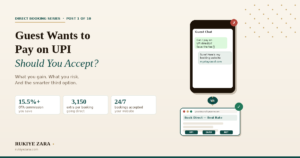
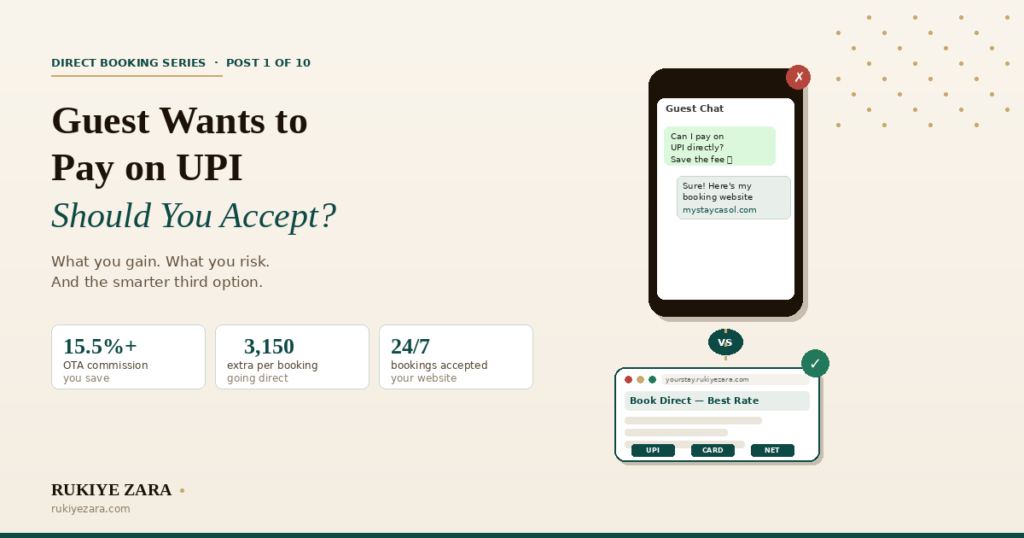
- Guest wants to pay on UPI/WhatsApp — should you accept?
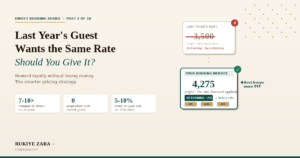
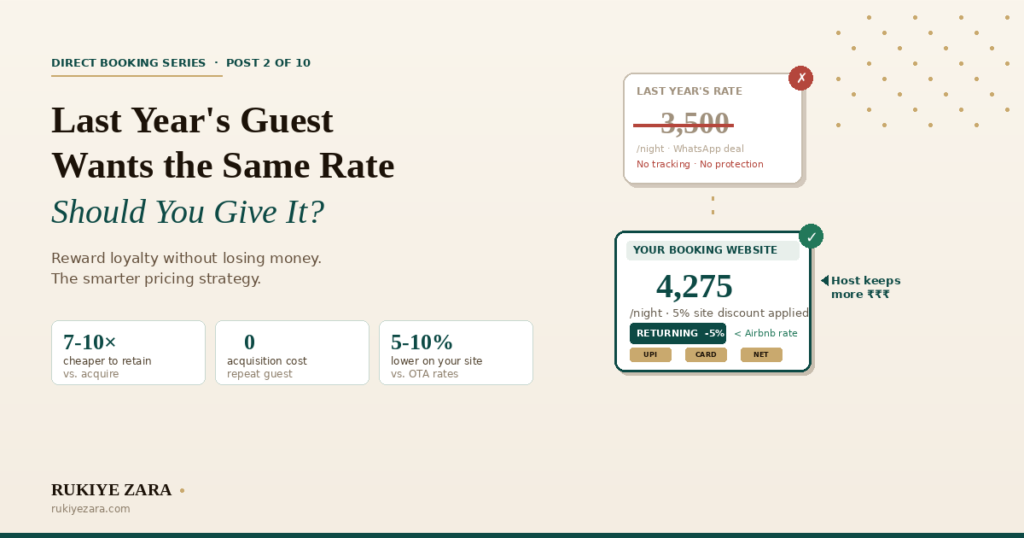
- A guest from last year wants the same rate — should you give it?
- Airbnb suspended my listing — now what? (You are here)
- My Airbnb isn’t making money anymore — what changed?
- How to increase Airbnb bookings in 2026
- Direct bookings vs. OTA bookings — the honest math
- Why repeat guests should book you direct
- You missed an inquiry and lost the booking
- How to start a homestay business in India in 2026
- Can you quit your 9–5 and live off homestay income?
Also read: Why every Indian stay needs a direct booking website · How Airbnb’s commission works in India